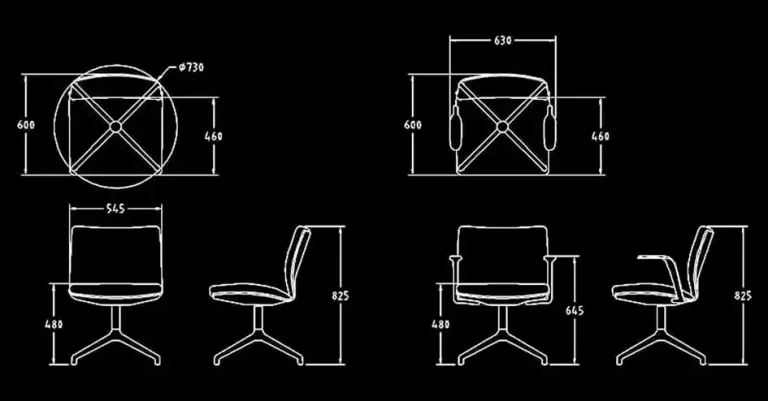
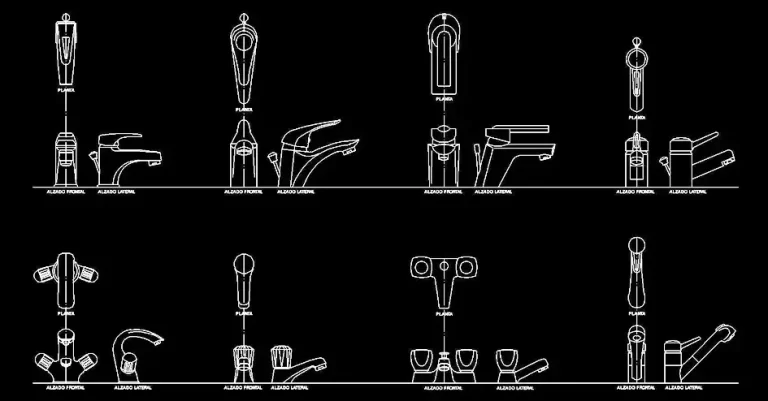
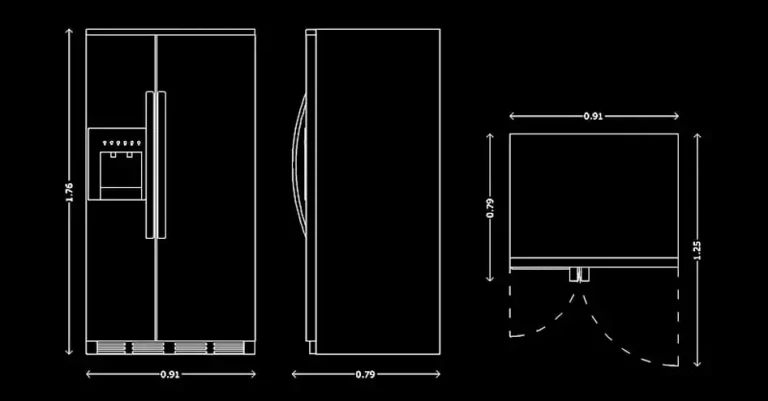
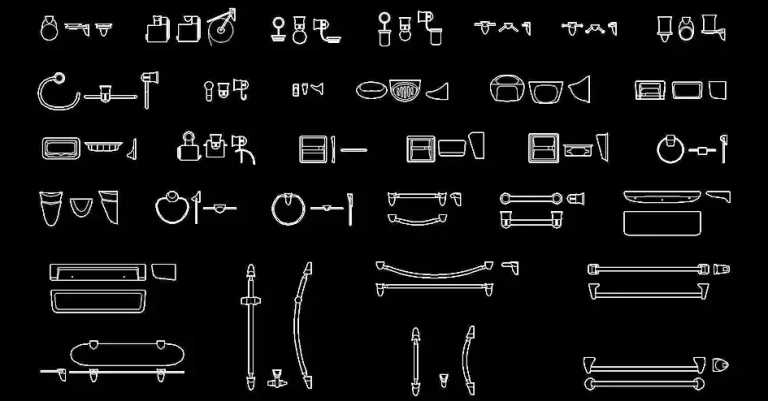
Download free DWG blocks of street lighting fixtures in elevation and plan view.
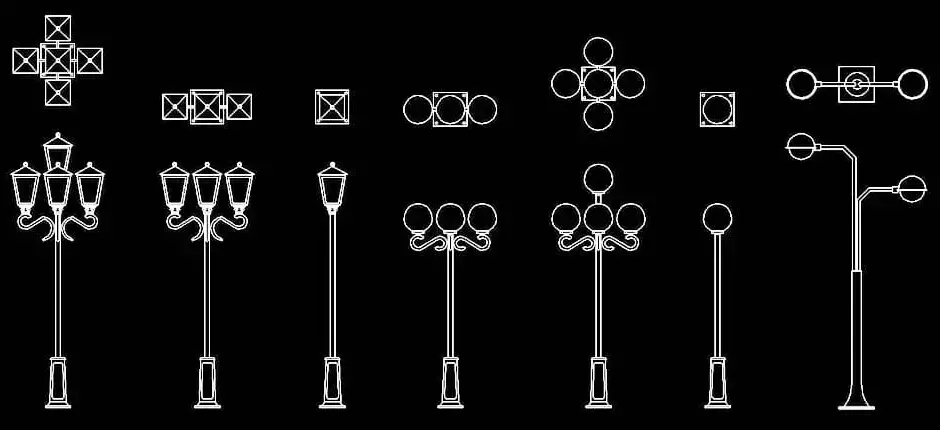
Download free DWG blocks of street lighting fixtures in elevation and plan view to speed up the preparation of urban furniture drawings, exterior architectural layouts, landscape plans, and public space design documents. These CAD blocks are made to help you insert clear, accurate lighting symbols into technical drawings without having to recreate them from scratch.
This DWG file is well suited for lighting layouts, urban design projects, landscape architecture, roadway plans, parking areas, and pedestrian walkways. The blocks can be placed directly into site plans, then moved, copied, scaled, or saved in your own DWG symbol library to match the specific needs of each project.
The download is especially useful for showing street lighting fixtures for roads, plazas, parks, sidewalks, and shared public spaces. Using these blocks can improve drawing readability, support better organization of outdoor areas, and help you deliver cleaner, more professional documentation for clients, consultants, and construction teams.
Because the file includes both plan and elevation representations, it is practical for positioning fixtures accurately in layout drawings while also making their appearance easier to understand in presentation views. For best results after importing the file, it is recommended to check the drawing scale, units, and required clearance dimensions within your CAD software.
The block can be imported and used in AutoCAD, AutoCAD LT, AutoCAD for Mac, and other native DWG-compatible AutoCAD alternatives, including BricsCAD, ZWCAD, DraftSight, GstarCAD, progeCAD Professional, nanoCAD, and CMS IntelliCAD.
It can also be used in BIM and architectural software such as Autodesk Revit, Archicad, Vectorworks, Allplan, and SketchUp Pro, as well as in mechanical CAD and 3D modeling programs like SolidWorks, Autodesk Inventor, Autodesk Fusion, and Rhino 3D. Free and open-source alternatives such as LibreCAD, QCAD Professional, and FreeCAD may also support this file depending on your workflow and import settings.